Explore the full range of iCam365 camera features with our comprehensive guide, catering for both beginners and advanced users.
iCam365 APP
Use the iCam365 APP to control all your iCam365 devices. Download the iCam365 APP for free and create your user account today.

How to connect iCam365 camera
Connect the device

Download the app:Use the “Scan” function of your mobile phone to scan the QR code, download and install the “iCam365” APP
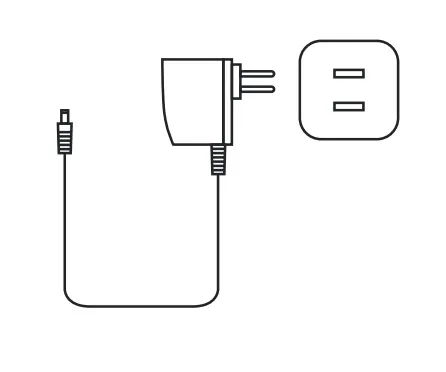
Connect power: Connect the device to the power supply and wait for about 1 minute
Add camera
- log in
- Add device
- Scan the QR code of the fuselage
- Waiting for a utomatic recognition

- Select the WiFi to connect to and enter the password
- Waiting to con gure the network
- The addition is complete,the device is named
- The device will appear on your homepage

Function Description

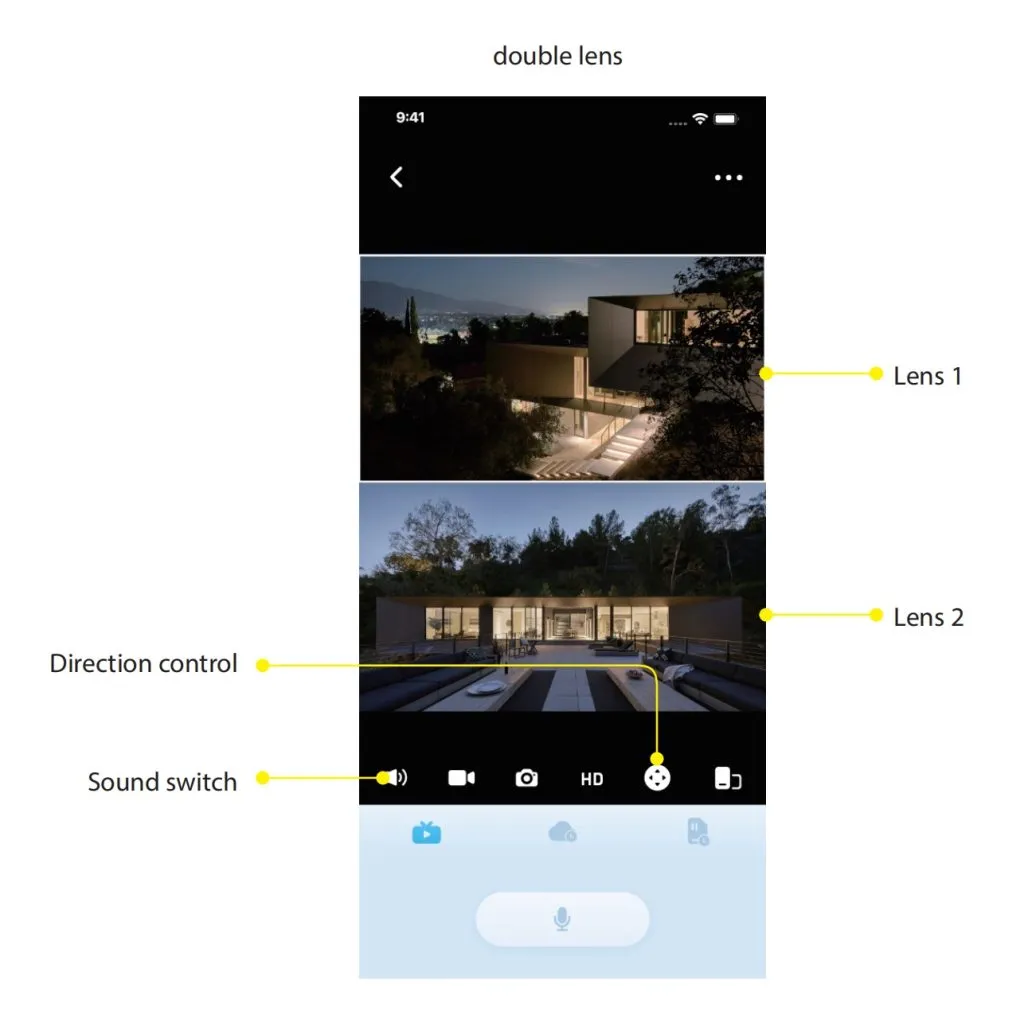
Common problem
What should I do if the device is unsuccessfully added?
Check whether the WiFi password is correct, and the network can be connected correctly, then RESET the camera, and add it again after completion.
How to download video?
Click the “Record Screen” button during playback, and click the red button after recording, and the video file will be saved to the phone;
What if the display device is offline?
First con rm whether the power supply and network are normal, and there is no problem before powering o the camera and restarting it. If the connection is still disconnected after restarting,
The memory card is full, what should I do?
No manual processing is required. When the remaining memory card capacity is less than or equal to 500M, the camera will automatically overwrite the oldest video file.
The memory card shows no memory card or abnormal
1. The camera does not support hot swapping. When inserting a memory card, it needs to be powered off. Please restart the camera.2. The memory card is still not recognized after restarting the camera, please replace with a new card and test again.3. If the new card is still not recognized, the card slot may be damaged or the cable is faulty. Contact the supplier to replace the device.
What should I do if I cannot receive the warning message?
Con rm whether the system has turned o the message push permission of iCam365. If it is turned off, please turn on the “message noti cation” permission in the phone settings and check whether the message push is turned o in the device settings. Alarm messages are stored for up to 7 days
 English